
View the change history of an order
Order history shows when an order was changed, and which items were added, removed or modified. It helps to answer questions such as "why is this meal different from what I ordered yesterday for this consumer?"
ℹ️ Order history is available to users with the Admin or Editor role.
Open the history of an order
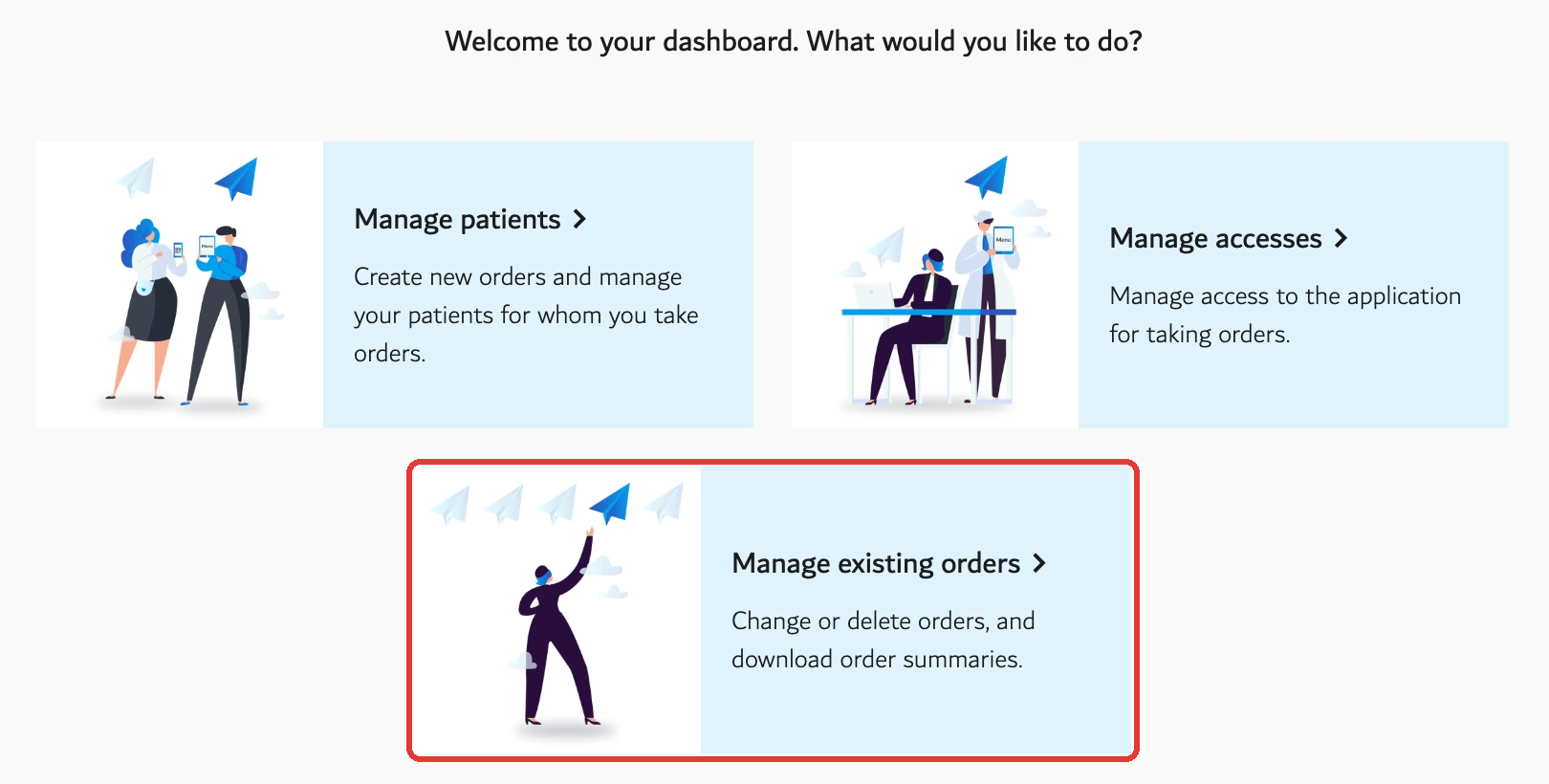
- Go to Manage > Orders.
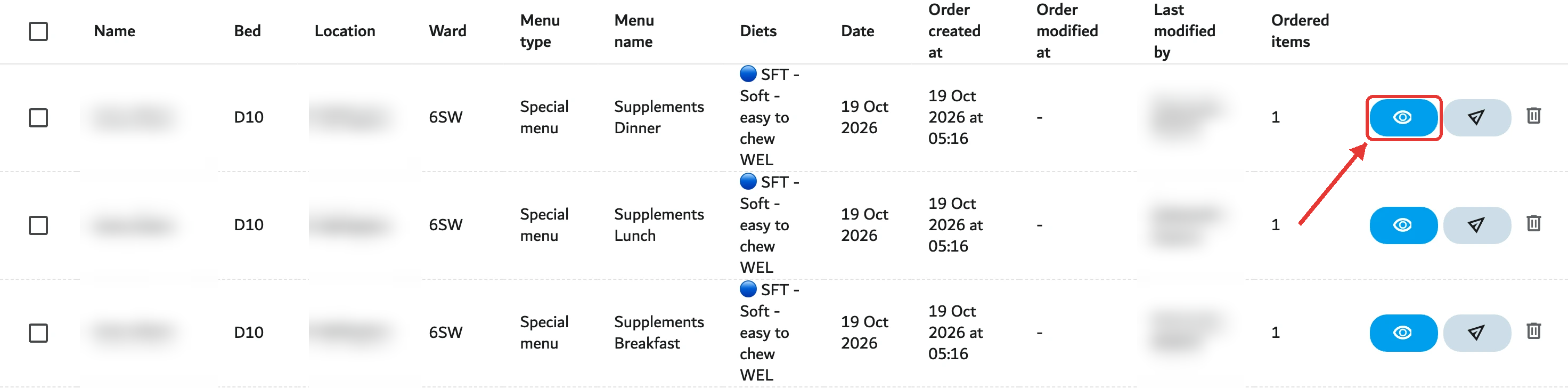
- Find the order and click the eye icon to open it. The same screen opens automatically after an order is saved.
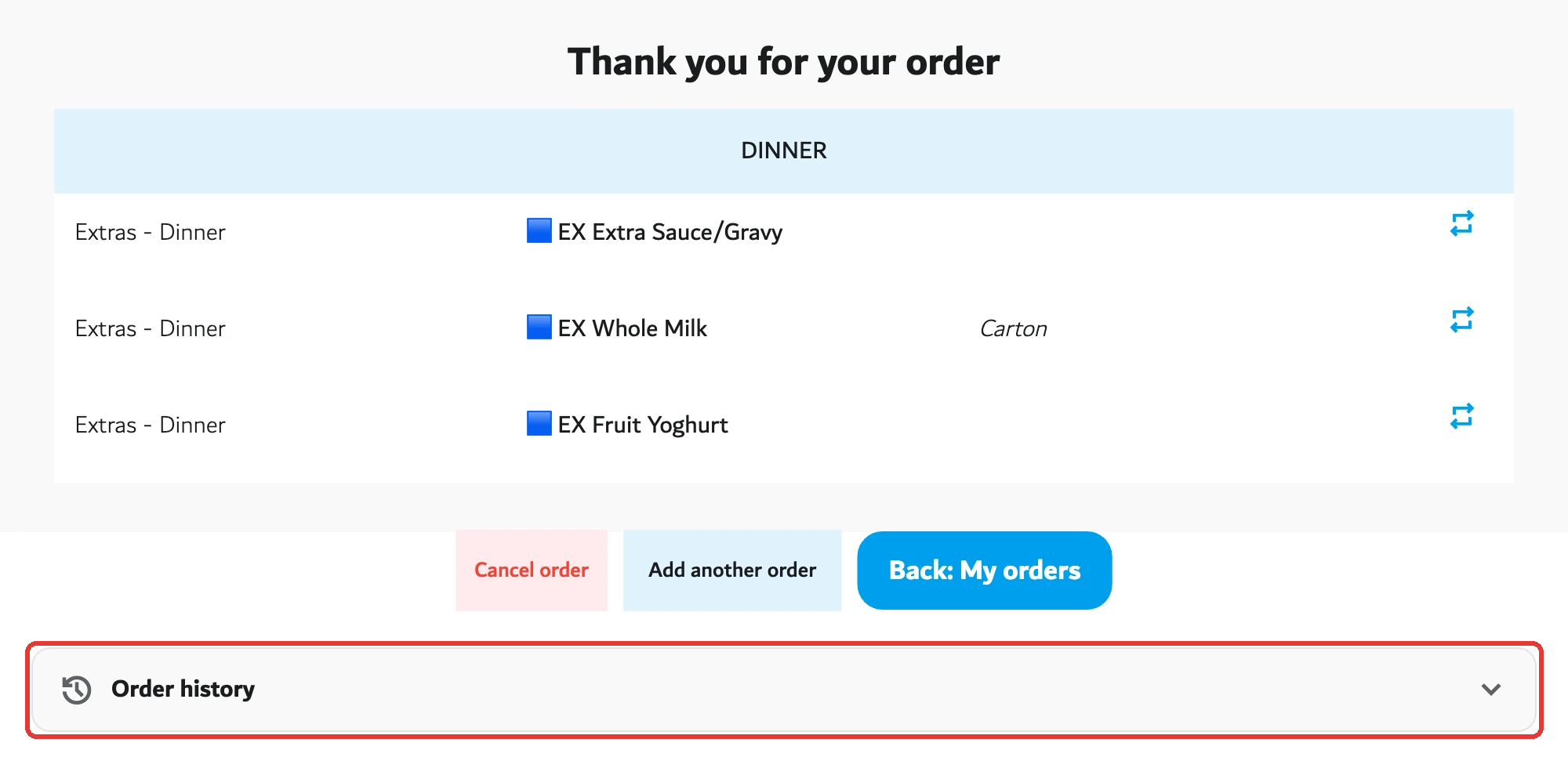
- Scroll below the order summary and click Order history.
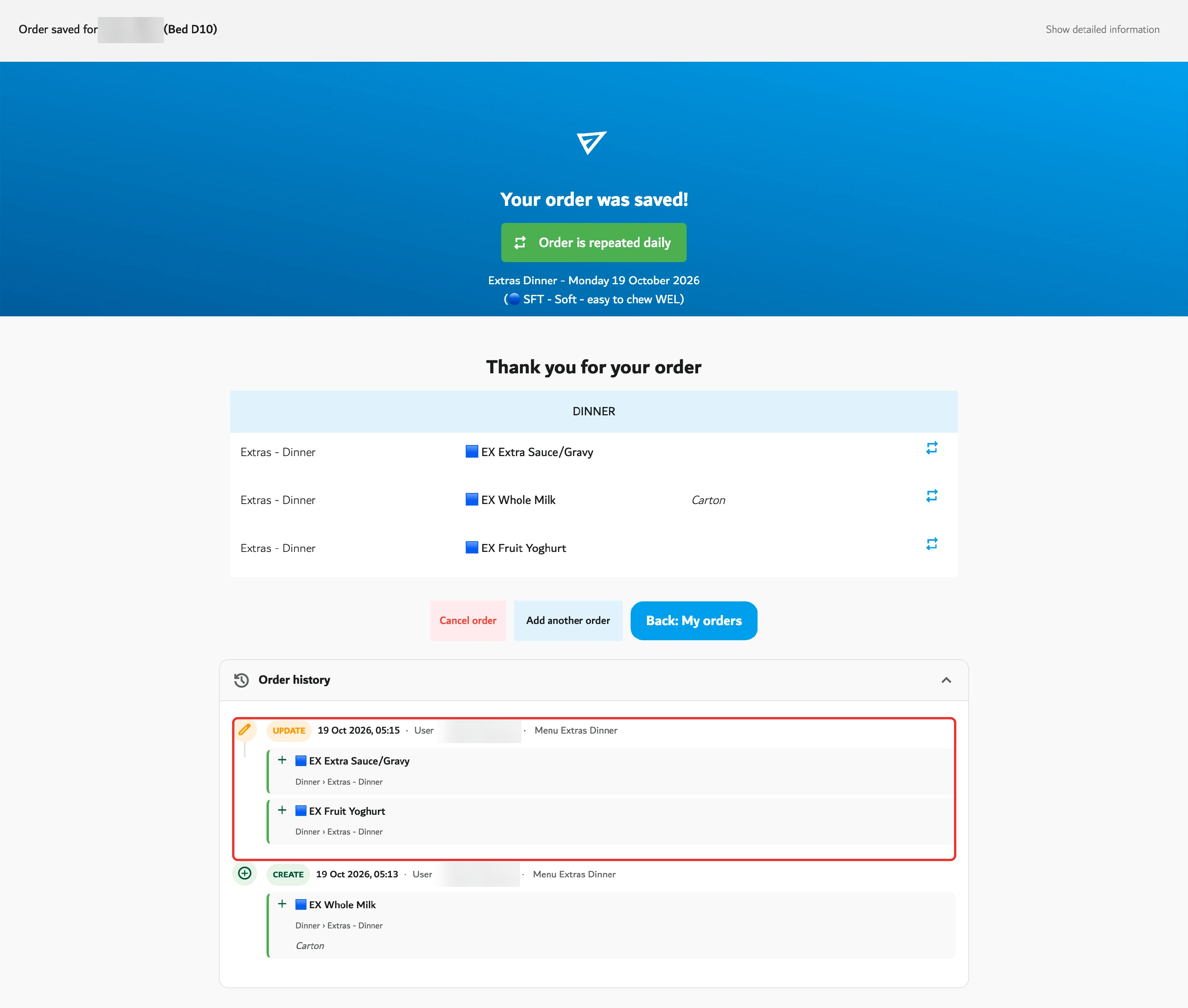
- Wait a moment while the entries load. They are only loaded when the panel is opened.
What the history shows
The history covers one person on one day, including that person's diet menus. Entries are sorted from newest to oldest. Only changes to items are listed; a change that leaves the items untouched does not appear.
| Element | What it shows |
|---|---|
| Action | Create, Update or Delete. |
| Date and time | When the change was saved. |
| Who | User followed by the person's name, or Machine when an automatic process made the change, such as an import. |
| Menu | The menu on which the change was made. |
| Item | Each item concerned, marked as added (+), removed (−) or changed (⇄). |
| Quantity | Shown as "2×". Only displayed when above 1. |
| Variants | Listed after the item name. |
| Portion, texture, consistency | Shown in brackets. A regular portion is not displayed. |
| Comment | The order comment, shown under the item. |
| Old value → new value | For a changed item, each modified detail appears as the old value, an arrow, then the new value. A dash means the value was empty. |
Who can see it
Users with the Admin or Editor role can open Order history. Agent, read-only and consumer accounts do not see it.
Good to know
- Changes appear once the order is saved.
- There is no retention limit at present.
- There is no search, filter or export.
- If no change was recorded, the panel shows "No recorded changes."
- If the history cannot be loaded, a message asks to try again in a moment.